Fill in the dimensions for your job - length, width, height, or whatever fields the calculator asks for. All measurements are in metres and millimetres unless stated. Want a head start? Try a Quick Start Project Kit - pre-built job templates that load common specs in one click.
2
Adjust the waste allowance
Most calculators include a waste percentage field. The default is a recommended starting point - increase it for complex cuts or awkward layouts, reduce it for simple runs.
3
Click Calculate
Your material quantities appear instantly. Results show packs, bags, or units needed, plus the total area or volume for reference.
4
Add UK market prices (optional)
Click Get UK Market Prices if the option appears. This loads current trade rates and gives you a cost estimate alongside your quantities. You can edit any of the prices before calculating if your own rates differ.
5
Save to a project
Click Save to Project to store these results. You can create a new project or add the line to an existing one. You can save one project for free, or upgrade to a Pro account to store as many as you need with cloud backup and access across all your devices.
6
Print or export
Use the Print or Export CSV buttons to save your results. The print layout is clean and formatted for site use or handing to a client.
Your saved projects are under My Projects in the menu. Each project collects all your calculator results in one place - handy for pricing up a full job. You can freely amend any part of a project at any point. With a Pro account you can also send polished quotes to clients or material specs direct to subcontractors.
Survey Cost Calculator
Estimate how much your home survey will cost based on property type, size and survey level.
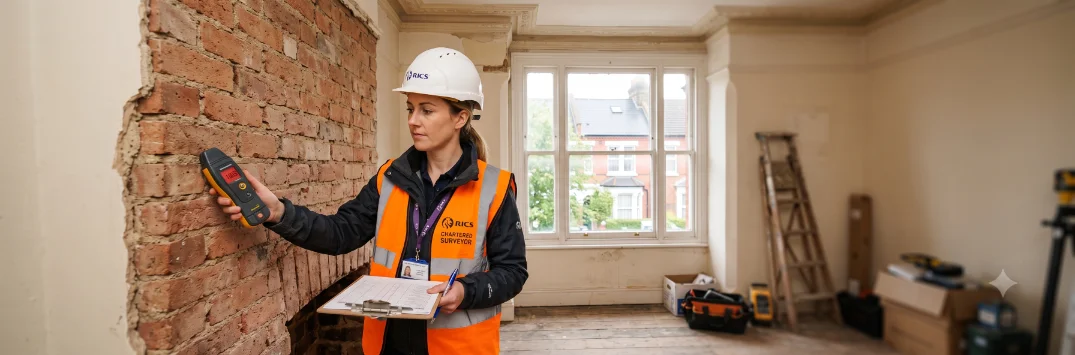
A home survey is one of the most important costs to budget for when buying a property - yet it is also one of the most variable. Prices depend on the level of survey you choose, the size and age of the property, your region and whether you add a market valuation. This tool gives you a realistic ballpark range based on those factors, so you can budget with confidence before you request quotes.
The three RICS levels cover the majority of residential purchases - Level 1 for new builds, Level 2 (HomeBuyer Report) for most conventional properties, and Level 3 (Building Survey) for older, larger or more complex homes. If your survey flags specific concerns, you may also need one of the specialist surveys listed in the sidebar. Not sure which level is right for you? Read our Home Surveys Guide.
Survey Cost Estimator
Select your options to get a ballpark cost range.
Best for new-build or recently renovated properties.
Available with Level 2 and 3 surveys. Typically adds £100 - £200.
Low estimate
-
Budget figure
High estimate
-
Complex or larger property
What affects the cost?
Survey level - Level 3 takes more time and produces a more detailed report
Property size - larger floor areas take longer to inspect
Property age - older buildings require more care and specialist knowledge
Location - London and the South East attract a premium
Complexity - unusual construction, extensions, and listed buildings add cost
All figures are indicative UK market rates as of 2025. Always obtain at least two independent quotes.
Not sure which level you need?
Our guide explains the difference between all three RICS levels and when to commission specialist surveys.
We use cookies to understand how visitors use this site (Google Analytics). No advertising or third-party tracking. Privacy Policy
Just so you know...
We use analytics to understand which calculators people use most, so we can prioritise improvements and new features. Declining means we build blind - we won't know what's working or what to fix next.
No advertising, no third-party tracking - just anonymous usage data to help us make the site better.